 Macto
MactoShoot on Android.
See it on your Mac.
Macto sends every new photo and video from your Android phone to Apple Photos on your Mac — automatically, over your Wi-Fi. No cables, no cloud, no accounts.
Encrypted end to end · Nothing leaves your network
Set up once. Then forget it.
Pairing takes a minute. After that, photos just show up on your Mac.
Install both apps
Macto lives in your Mac's menu bar. The Android app runs quietly in the background.
Scan the QR code
Your Mac shows a code, your phone scans it. The two devices exchange keys — nothing else.
Take photos
New shots are sent over Wi-Fi within seconds and land in Photos, with dates and location intact.
Everything a camera roll deserves.
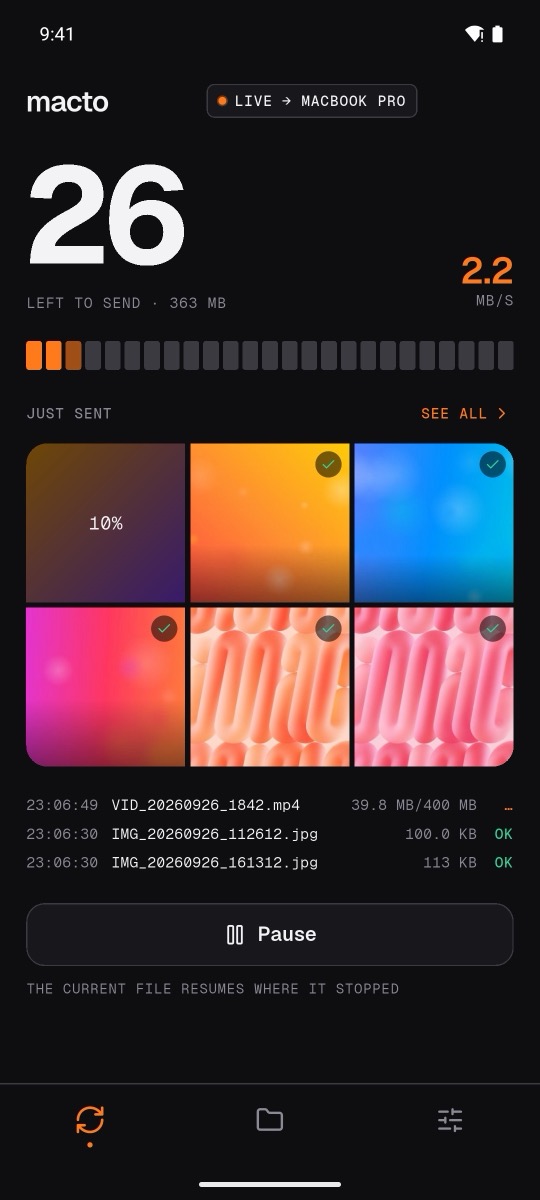
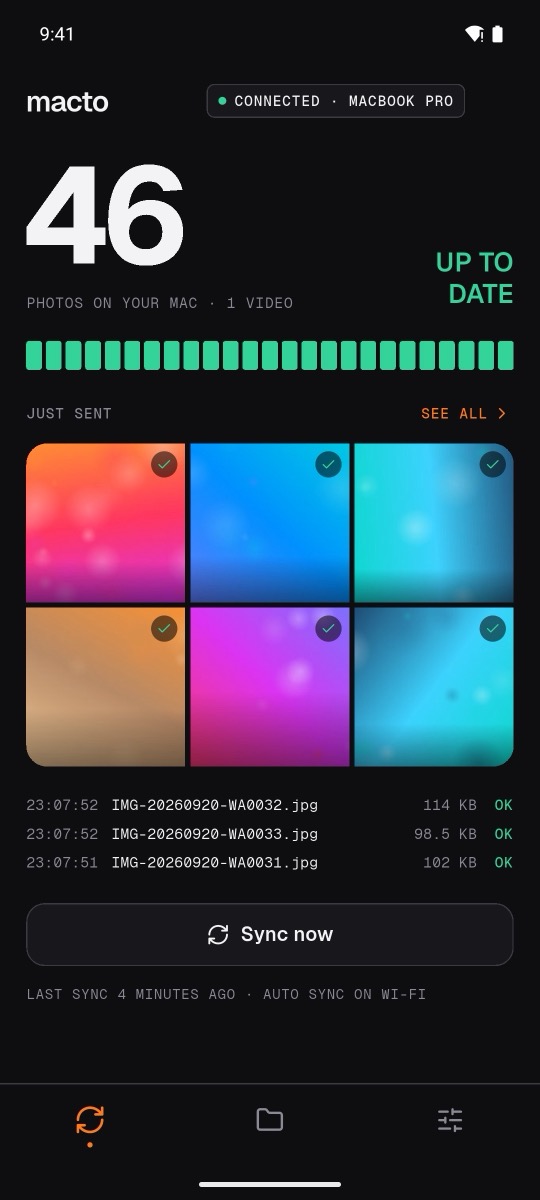
Automatic over Wi-Fi
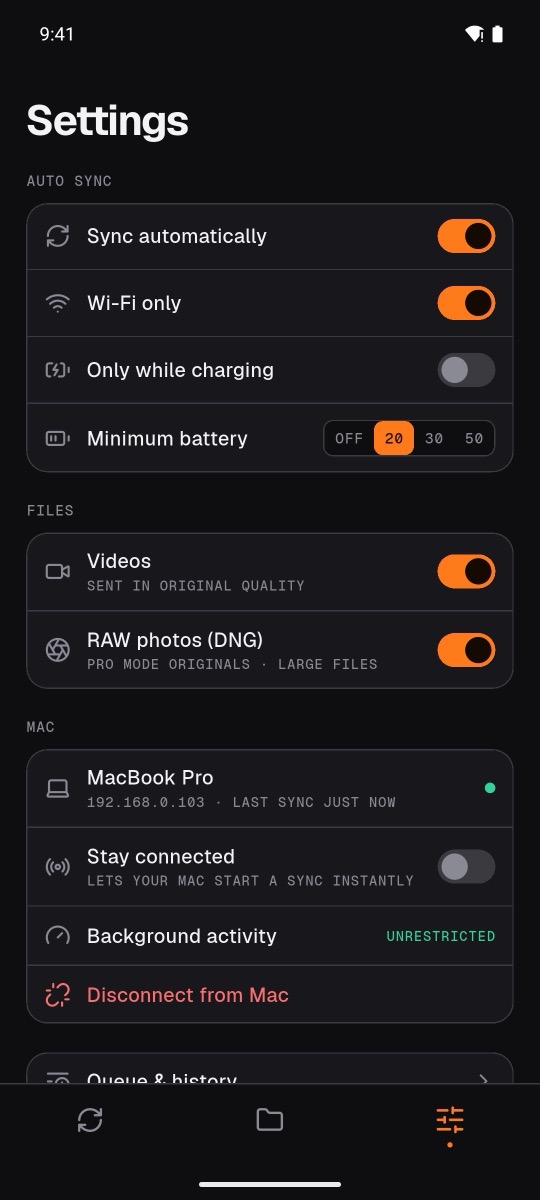
New photos go to your Mac on their own. Choose Wi-Fi only, charging only, or a minimum battery level.
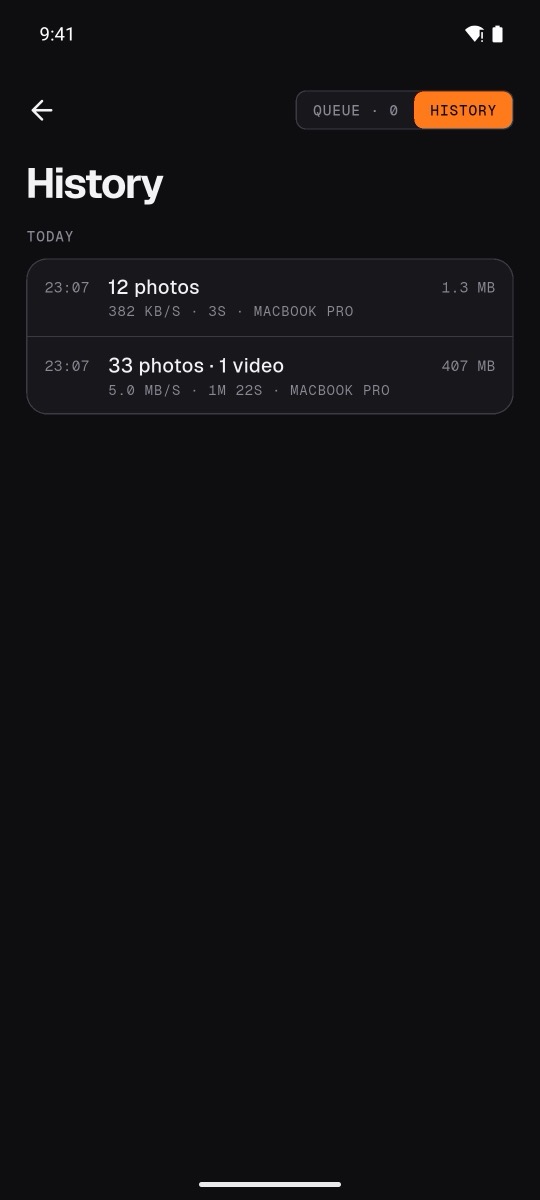
Straight into Photos
Imported into Apple Photos with original dates, location and quality — or saved to a folder you choose.
Fast first sync
Several files at once. Thousands of photos move in minutes, then only new ones follow.
Resumes where it stopped
Walk out of Wi-Fi mid-video? The transfer continues from the last byte when you're back.
Never twice, never lost
Each file is checked with SHA-256. Nothing is sent twice, and deleting on the phone never deletes on the Mac.
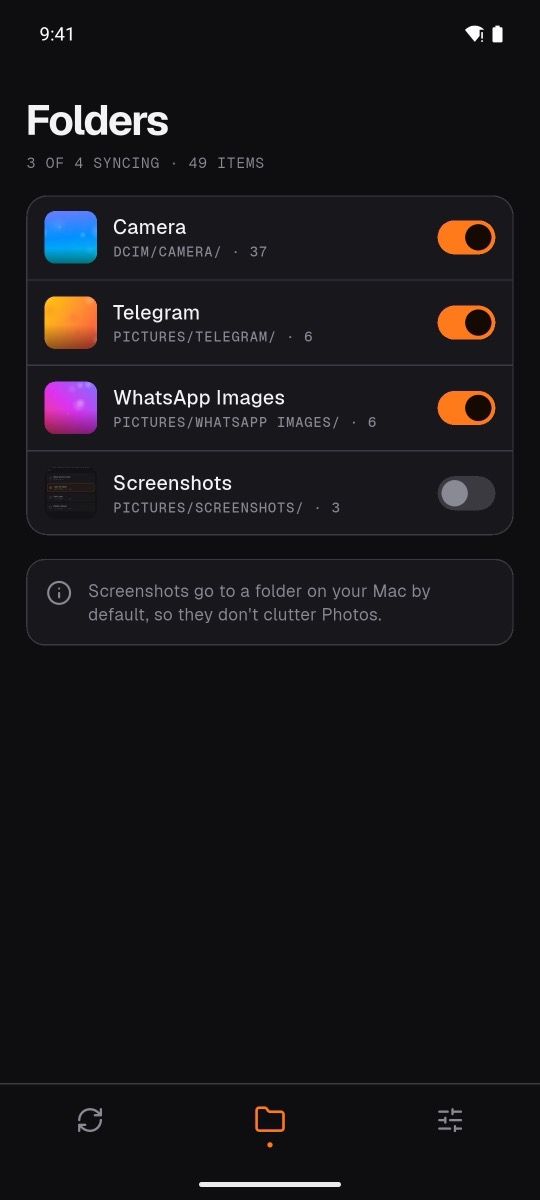
Your folders, your rules
Camera, screenshots, WhatsApp, Telegram — pick what syncs. RAW photos and 4K video welcome.
Your photos never touch a server.
Macto has no cloud. Files go directly from your phone to your Mac over your own network, encrypted with keys only your two devices know.
Calm, quick, and always clear about what it's doing.
Get Macto.
Free. Install on your Mac first, then on your phone.
Android
Android 10 or later. Google Play is coming soon; until then, install the APK.
Do both devices need to be on the same Wi-Fi?
Yes. Macto works over your local network so photos never pass through the internet. When your phone comes home, it catches up automatically.
Does it work when my Mac is asleep?
Your phone waits and sends everything the moment the Mac wakes up. Nothing is lost.
If I delete a photo on my phone, is it deleted on my Mac?
No. Sync is one way and additive — your Mac keeps everything it received.
What about Live Photos / Motion Photos?
Motion Photos currently arrive as regular photos. Conversion to Live Photos is planned.
Is it really free?
Yes. No accounts, subscriptions or ads.